

Online payments
Payment links for dental clinics that patients pay in seconds
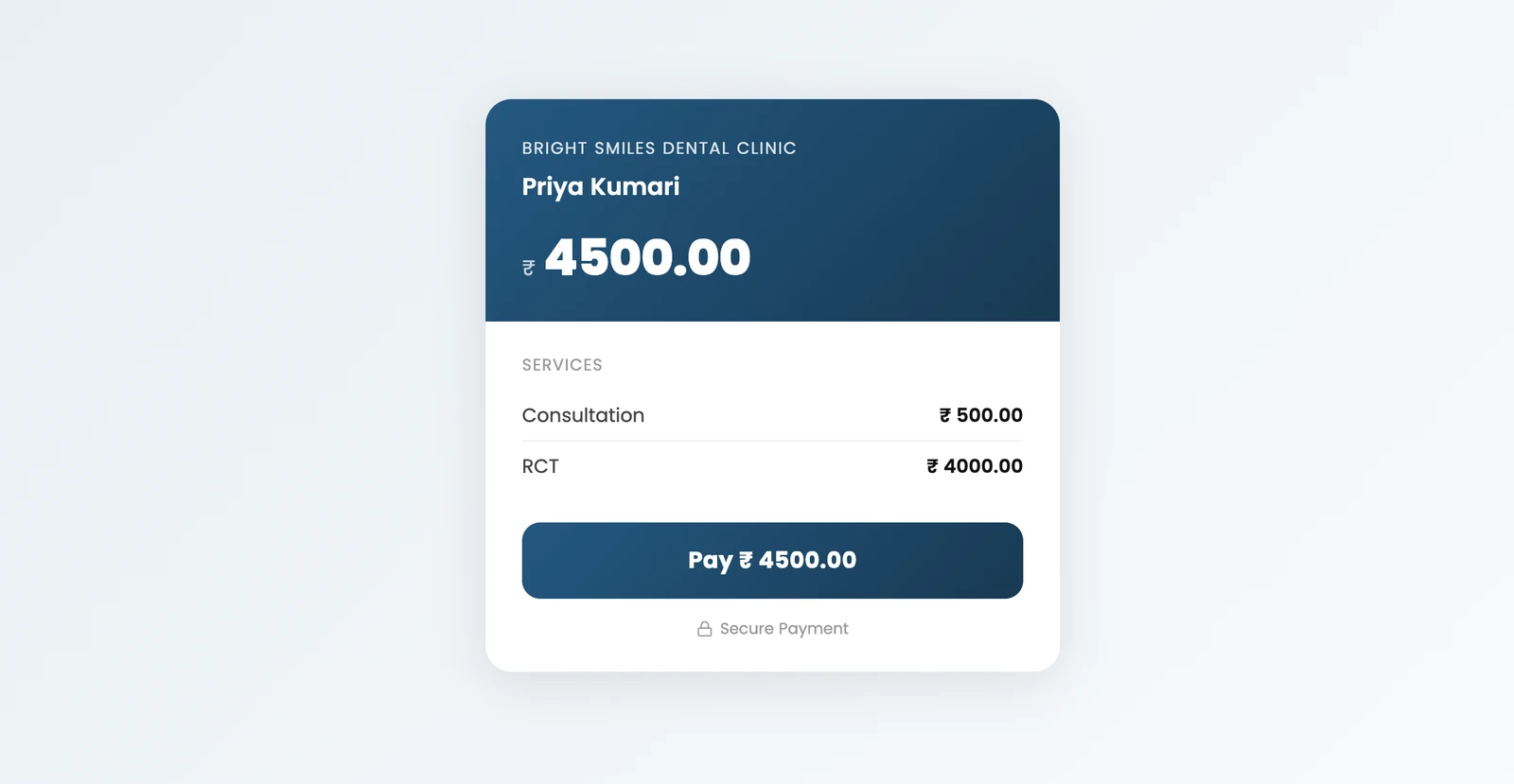
Send a pay link on WhatsApp or SMS. Your patient pays by UPI from their phone, and the payment lands on their case.
- No card machine needed
- Secure PhonePe checkout
- Recorded on the case
“Great service at reasonable price… team is very approachable… they always listen to our requirements and accommodate those features.”
Trusted by 500+ dental practices across India







How a pay link works
Payment links for dental clinics in three moves: you send it once, the patient pays, and the payment records itself.
- Payments go through PhonePe's secure checkout
- The shared invoice shows the payment as paid
- Works when online payments are set up for your clinic
Screens show sample data.
Track every pay link in one place
The Pay Links screen shows what was sent, what was paid and what is still pending.
- Orders and collection for this month and this financial year
- Filter pay links by status: pending, paid, failed, cancelled or refunded
- Open any link to see the patient, the case, the items and the gateway
- Each payment also shows on the patient's case as Pay Link
| Patient | Amount | Mobile | Status | Created |
|---|---|---|---|---|
| Priya Kumari | ₹ 4,500.00 | 90000 00001 | Paid | 21 Sep |
| Rahul Verma | ₹ 3,000.00 | 90000 00002 | Pending | 21 Sep |
| Sneha Iyer | ₹ 1,200.00 | 90000 00003 | Failed | 20 Sep |
| Anil Kumar | ₹ 800.00 | 90000 00004 | Cancelled | 19 Sep |
| Kavya Rao | ₹ 2,500.00 | 90000 00005 | Refunded | 18 Sep |
Screens show sample data.
Every outcome, handled
Each payment link for dental clinic patients ends on a clear page, and your team sees the same status.
-
Payment Successful
Your payment has been confirmed. Thank you!
Your team sees Paid The case is marked paid on its own -
Payment Pending
If you have already paid, please wait a moment and refresh.
Your team sees Pending Updates when PhonePe confirms -
Payment Failed
Please try again or contact the clinic.
Your team sees Failed The patient can pay again from the link -
Link Closed
This pay link is no longer active. Please contact the clinic.
Your team sees Cancelled After you cancel, nobody pays an old amount
Messages are as patients see them in Dentostack.
You stay in control
Cancel a link before it is paid, or refund a payment, from the Pay Links screen.
The patient will no longer be able to pay using this link.
A pay link is active, cancel or wait for confirmation to unlock.
This will reverse the payment and remove the linked case entries.
Every pay link shows where it stands.
Button labels and messages are as they appear in Dentostack.
Part of Dentostack's dental clinic management software
Pay links work inside each case's billing, next to estimates, invoices and due reminders.
Frequently asked questions
Start collecting with pay links
Our team sets up your payment link for dental clinic billing with you.
-
1
Tell us about your clinic
We help you set up online payments through PhonePe for your clinic.
-
2
We move your patients
Our team migrates your existing patients, so their cases are ready to bill.
-
3
Send your first pay link
Add the bill, choose Pay Link and send it on WhatsApp.