


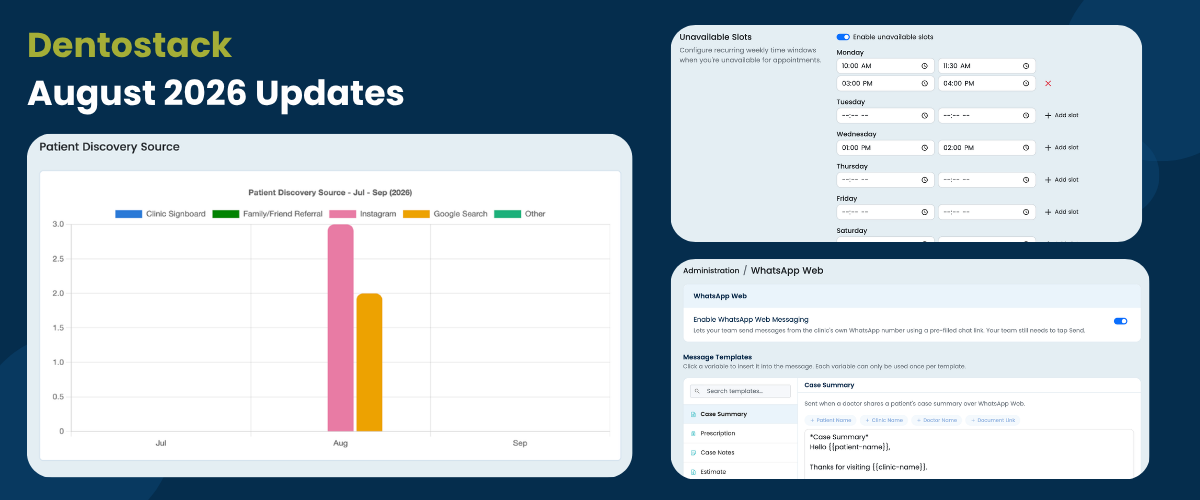
Dentostack has introduced three new features in August to make it easier and more effective to communicate with patients, to track clinic growth, and to manage appointments. As part of this update, clinics will be able to contact their patients using their own WhatsApp number, find out how new patients discover their clinic, and set aside hours when individual doctors are unavailable in order to prevent appointment conflicts.
A brief overview of the new features in the August 2026 release.
A. Send Patient Messages from Your Clinic Number via WhatsApp Web
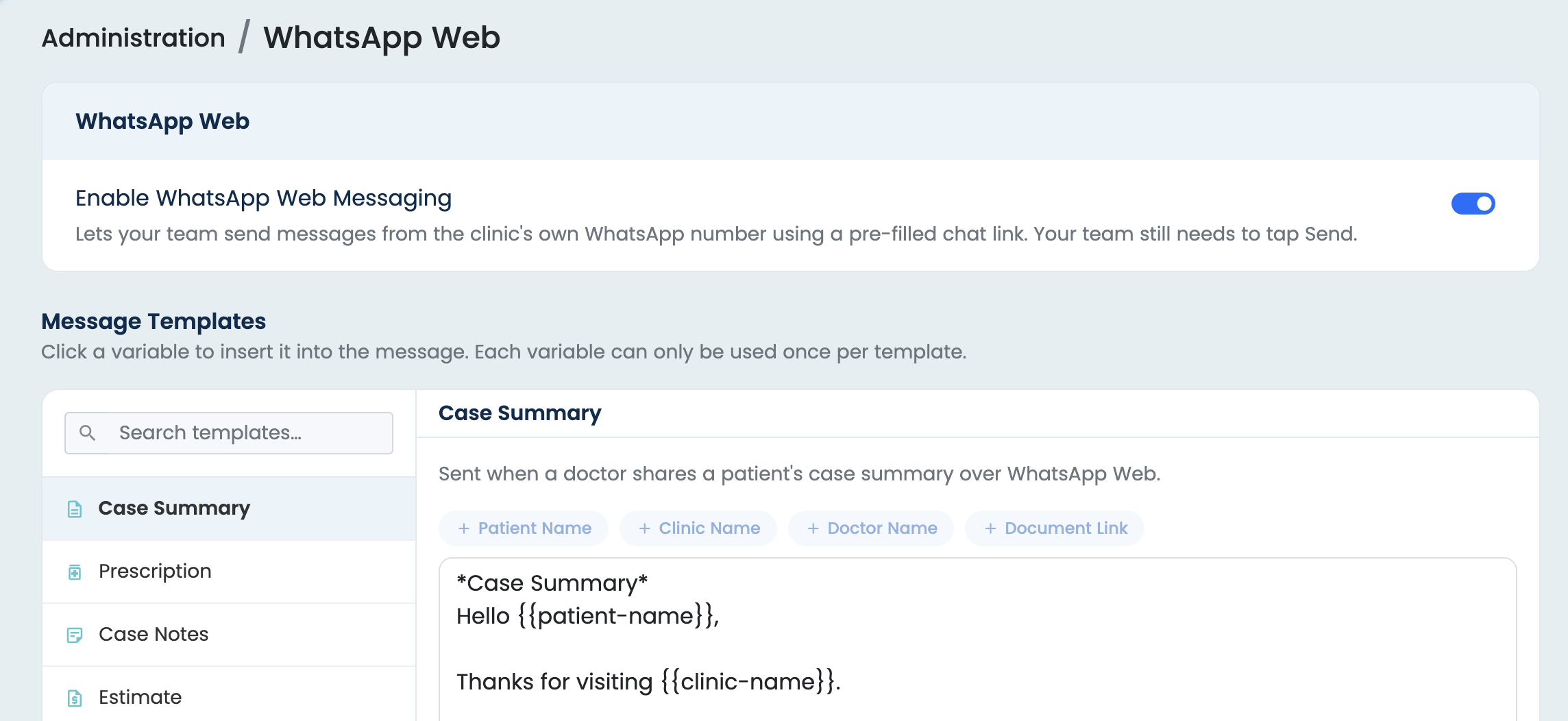
You can communicate directly with your patients using the WhatsApp number belonging to your clinic through Dentostack’s WhatsApp Web integration. This allows you to send them appointment confirmations, prescriptions, invoices, and all other important updates without drafting full messages for your patients.
Why Is This Needed?
Since your patients already know and trust the WhatsApp number of your clinic, this feature enables you to keep using that same number for communicating with patients when sending messages from Dentostack.
How to Enable?
The feature can be turned on from the Admin Panel by going to Admin Panel → WhatsApp Web and then enabling the WhatsApp Web feature.
How to Use?
Log in to the WhatsApp account for your clinic using WhatsApp Web in the same browser in which Dentostack is open.
You are also free to adjust the message templates so that they match your clinic’s preferred wording and communication style. After they have been set up, the messages sent out by Dentostack will appear in the patient’s WhatsApp chat and will be sent from your clinic’s own WhatsApp number.
B. Track How Patients Discover Your Clinic
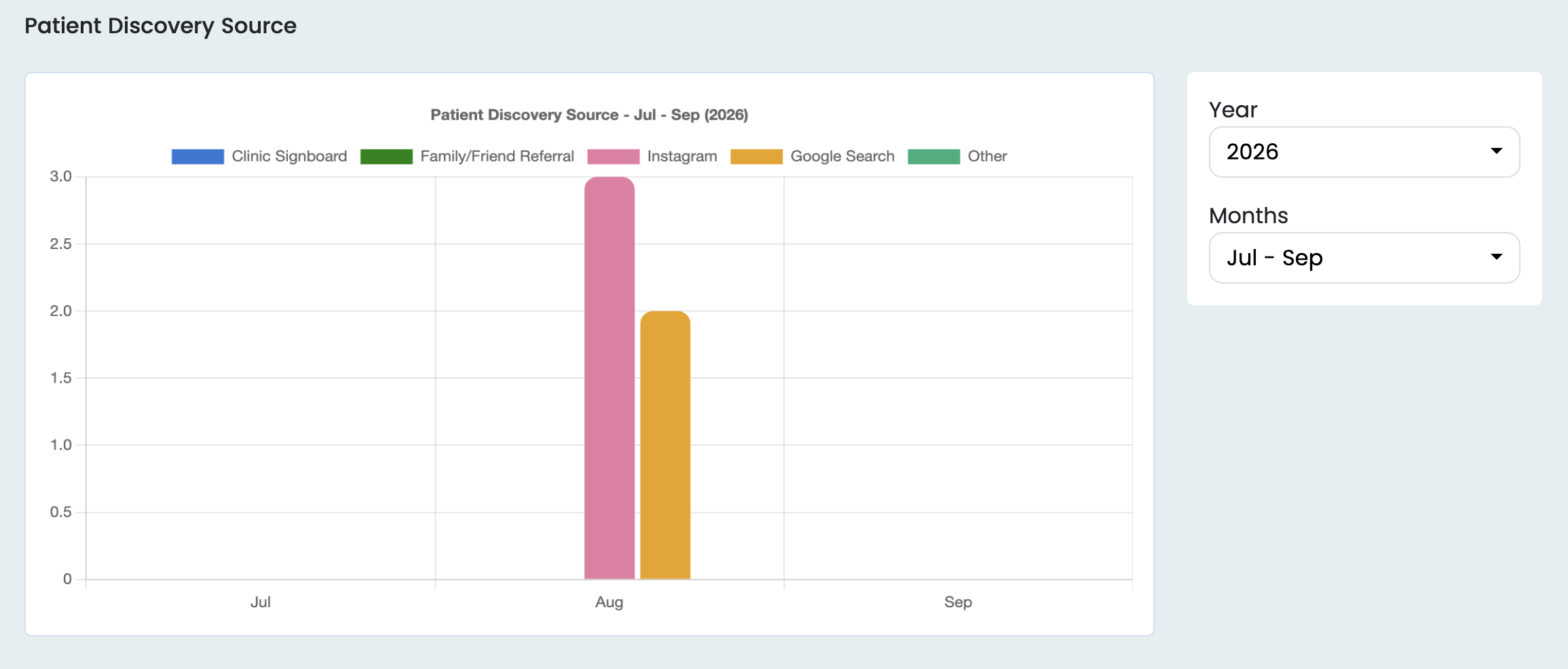
Find out where your new patients are originating from using Dentostack’s Patient Discovery Source feature. When registering a patient, note the way in which they found your clinic—for example, through Google, Instagram, a patient referral, the clinic signboard, the website, or by walking in.
Dentostack allows you to keep track of these sources over time and thus enables you to see which channels are bringing more patients to your clinic.
Why This Is Needed?
The fact of how patients find out about your clinic enables you to see which of your marketing and referral channels are actually effective.
Rather than trying to work out where your new patients are coming from, you can use your patient data to find out your main sources. For instance, if Google is bringing in the most new patients, you can conclude that your online presence is effective. And if referrals are a major source, then you can see how valuable patient word-of-mouth is.
How to Enable?
The Super Plan already has this feature, therefore there is no need for you to activate it separately.
How to Use?
When you are registering a new patient, just choose the way in which they found your clinic; the selected source will be saved along with the patient's other information.
As time goes on, Dentostack enables you to see the source statistics for discoveries, which helps you to work out which channels are doing their best and where you should direct your marketing efforts.
C. Set Doctor-Specific Unavailable Hours
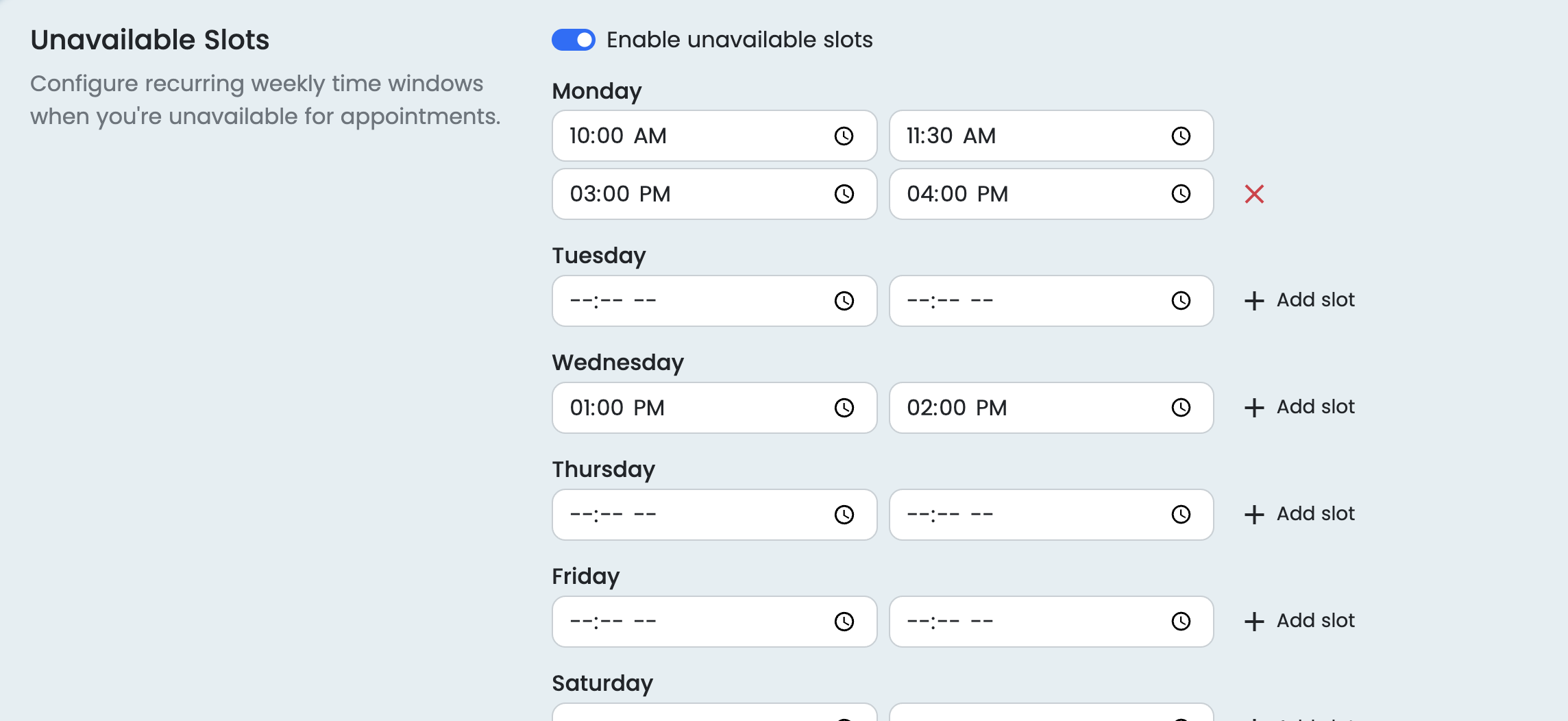
You can manage each doctor's schedule individually using Dentostack's Doctor Unavailable Hours feature, allowing doctors to specify the days and time slots during which they are unavailable even if the clinic is open.
Dentostack makes sure that appointments are not booked during these unavailable hours, thus helping to prevent scheduling errors and conflicts.
Why Is This Needed?
The clinic might remain open all day, but since the doctors have various commitments such as meetings, procedures, personal matters, or other duties, their individual schedules will differ. Your team can make sure that appointments are arranged only when the doctor is actually free by specifying the hours during which each doctor is unavailable.
How to Enable?
Go to Settings, then select Profile and enable the option for Unavailable Slots on the doctor’s profile page. Choose the days and times when the doctor is unavailable and save the changes.
How to Use?
When the unavailable hours have been set up, Dentostack automatically excludes those time slots from the appointment booking process for that doctor. This ensures that your clinic keeps an accurate schedule and stops appointments from being booked by accident when the doctor is unavailable.
Making Your Clinic Management Simpler
With the August 2026 release, Dentostack continues to make everyday clinic management easier—from communicating with patients and understanding where new patients come from to keeping doctor schedules accurate. These improvements are designed to help dental clinics save time, reduce scheduling mistakes, and make better decisions using their clinic data.
We’ll continue adding features based on the needs of modern dental practices, helping you run your clinic more efficiently with Dentostack.