


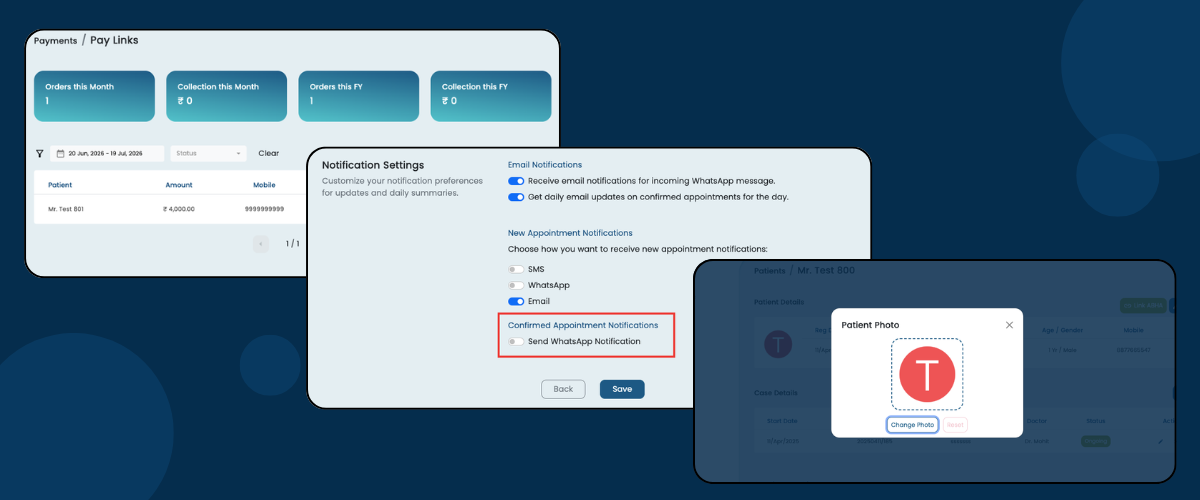
This month, we've introduced three practical improvements designed to make your daily clinic operations smoother and more efficient. From collecting payments online through secure PhonePe Payment Links to quickly identifying patients with profile photos, and keeping doctors instantly updated about confirmed appointments via WhatsApp, these updates are built to save time, improve communication, and make managing your clinic even easier. Explore the new features below.
A. Accept Payments via PhonePe Payment Links
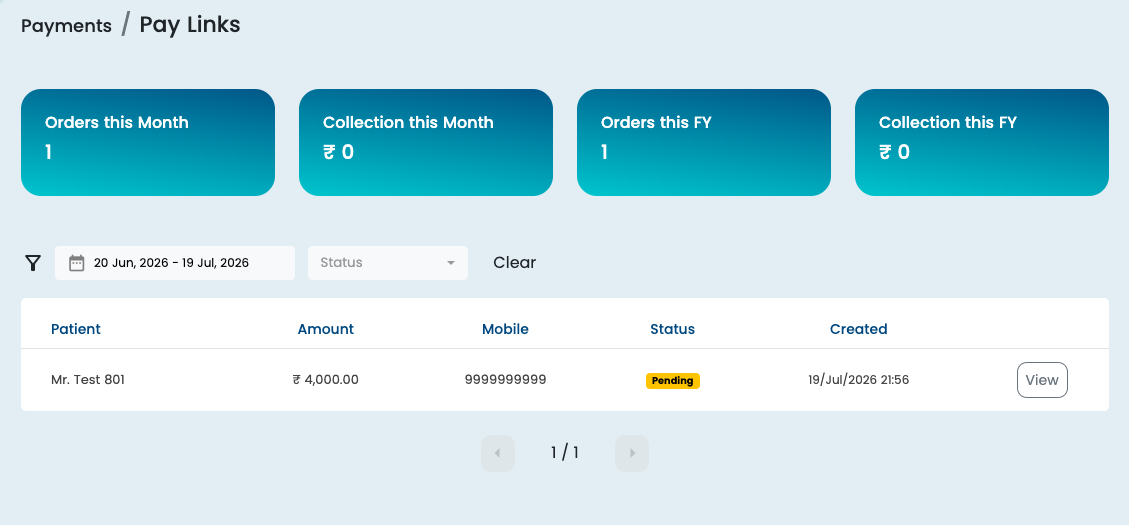
Collect payments from patients using secure PhonePe Payment Links generated directly from Dentostack. Patients can conveniently pay using UPI, Credit Cards, Debit Cards, Net Banking, and other supported payment methods—without the need for a POS machine.
Why this is needed?
Traditional POS machines often come with monthly rental charges and maintenance hassles. With PhonePe Payment Links, there's no additional hardware or rental required. Simply generate a payment link and share it with the patient with just a click. Standard payment gateway charges may apply based on the selected payment method.
How to Enable?
To enable PhonePe Payment Gateway, go to Admin Panel → Integration → PhonePe Payment Gateway. Enter the Client ID and Client Secret provided by PhonePe.
If you do not have the required credentials, click on the Get Payment Gateway button to request or obtain the payment gateway details.
How to Use?
Once enabled, you can use the Pay Link option while creating payment entries. Dentostack will generate a secure PhonePe payment link that you can share with the patient via WhatsApp or Email, or copy and share the Public Link yourself.
B. Patient Profile Photo Support
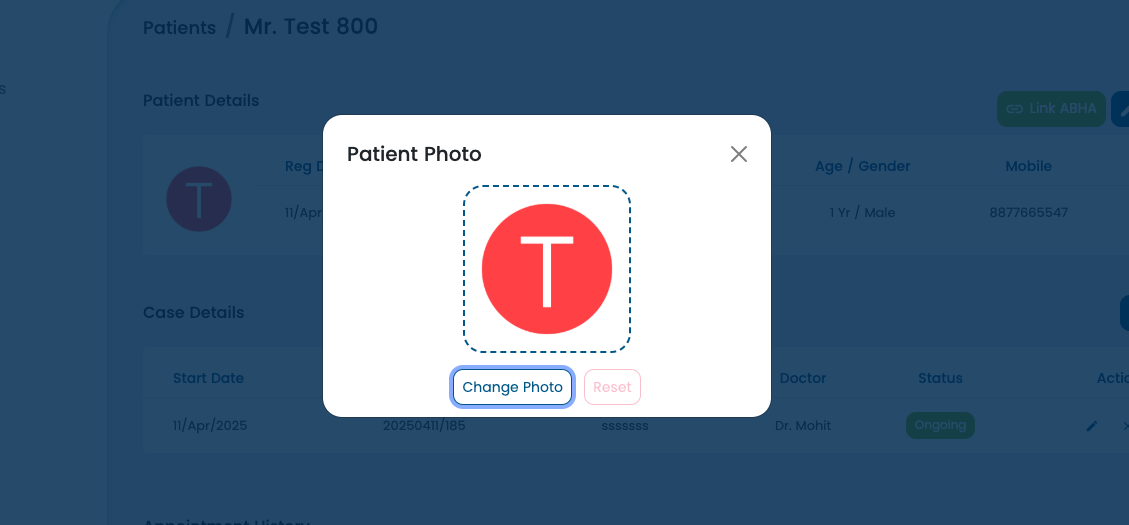
Easily upload a photo for every patient and make patient identification faster than ever. Patient photos appear across Dentostack, helping doctors and clinic staff instantly recognize patients, reduce confusion, and deliver a more personalized experience.
Why this is needed?
In busy clinics, patients with similar names can often lead to confusion. Having a profile photo makes it easier for doctors and staff to identify the right patient during appointments, treatment planning, and follow-ups, improving both efficiency and patient safety.
How to Use?
Open the Patient Details page and click on the patient avatar to upload or update the patient's profile photo.
Note: Patient photo upload is currently supported only on Desktop and Laptop devices.
C. WhatsApp Notifications for Appointment Confirmation
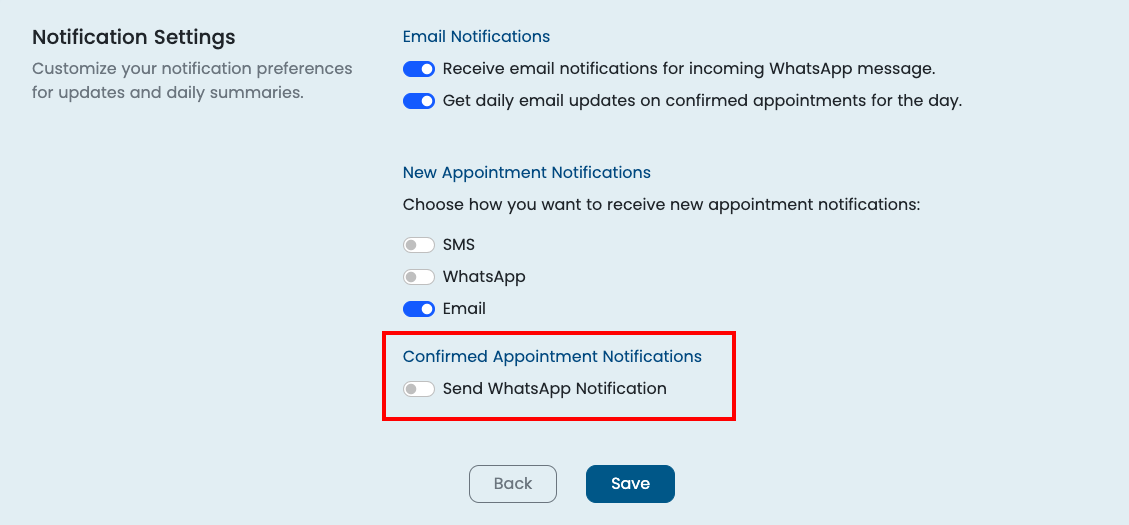
WhatsApp Notifications for Appointment Confirmation Description: Never miss a confirmed appointment again. Dentostack now sends instant WhatsApp notifications to doctors whenever the clinic confirms an appointment, helping them stay informed even when they're away from the system.
Why this is needed?
In many clinics, appointments are booked and confirmed by the reception or clinic staff. This feature ensures doctors are notified immediately without needing to frequently check the appointment dashboard. It's especially useful for consultant doctors who don't have full access to Dentostack but still need timely updates about their confirmed appointments.
How to Use?
Go to Settings → Account → Notification Settings and enable WhatsApp Notifications for Confirmed Appointments. Once enabled, doctors will automatically receive a WhatsApp notification whenever the clinic confirms an appointment.
We're committed to continuously improving Dentostack based on the needs of modern dental practices. We hope these new features help make your daily workflow more efficient, organized, and convenient. As always, thank you for your continued trust and valuable feedback—it inspires every update we build. Stay tuned for more exciting improvements in the months ahead!