


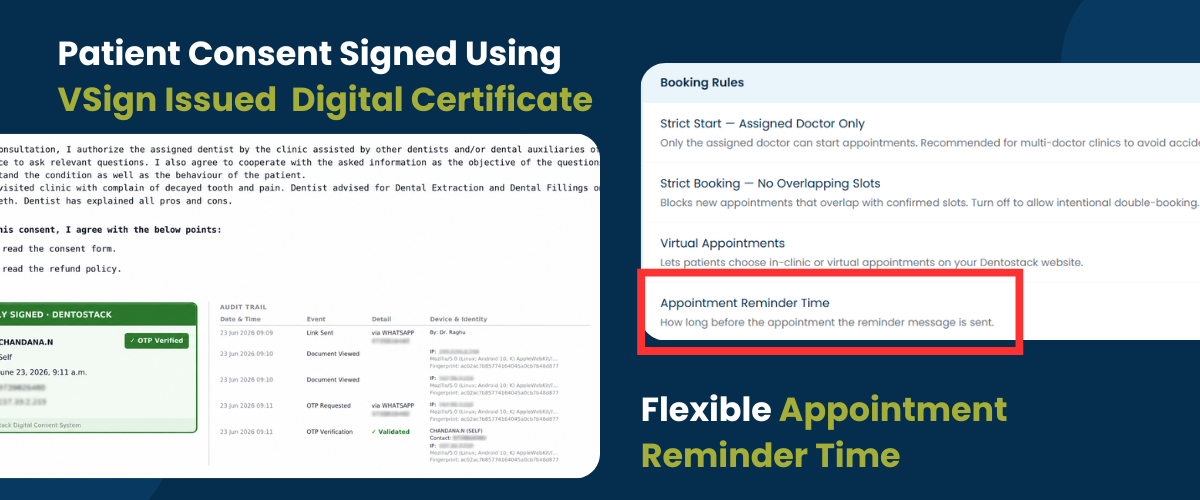
We’ve introduced several new enhancements this month to give you greater flexibility, stronger compliance, and a faster day-to-day experience. Here’s a quick look at what’s new and how you can start using these features.
A. Digitally Signed Consents with Trusted Certificates
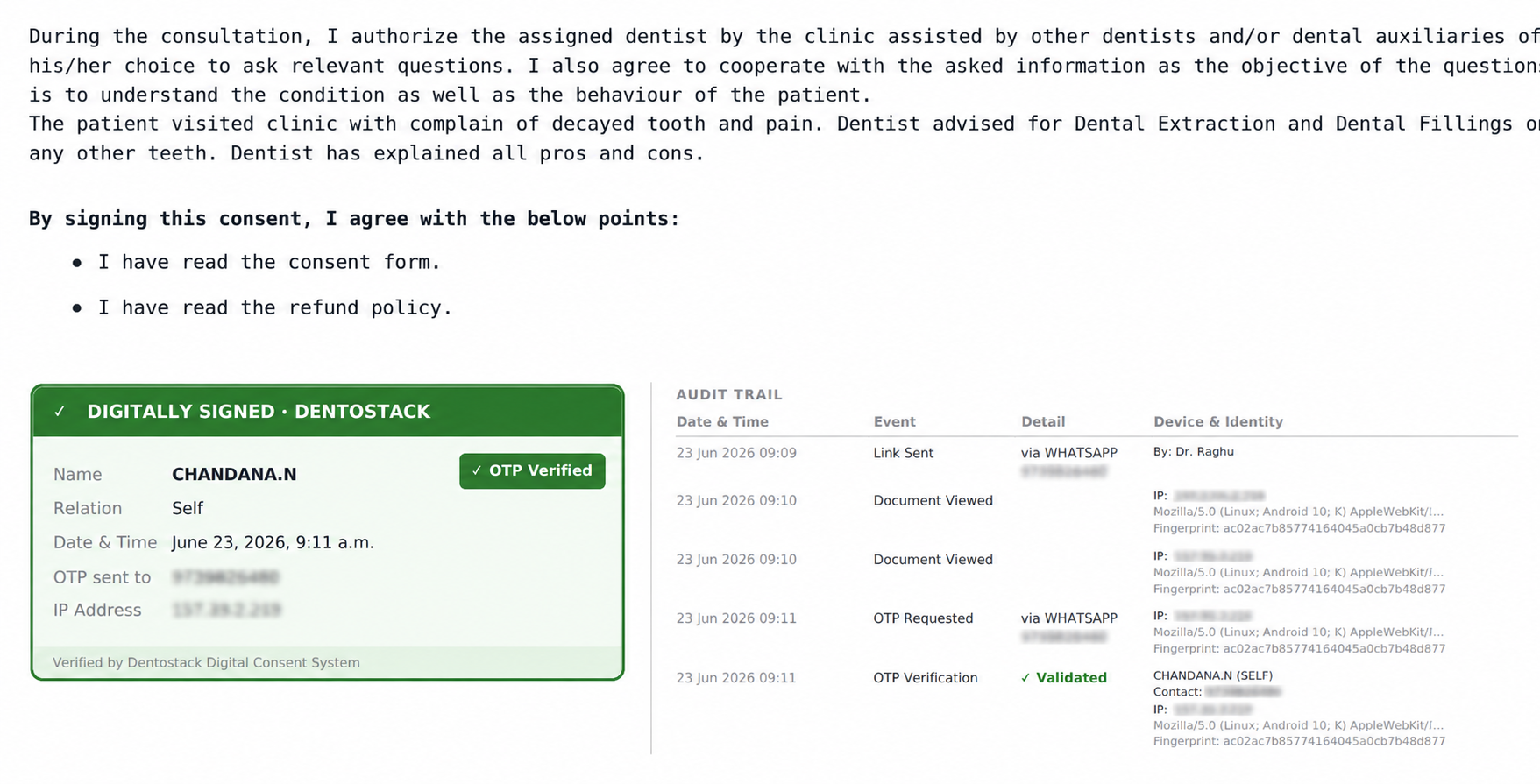 All consent forms are now digitally signed using CA-trusted certificates issued by VSign, adding an extra layer of authenticity, security, and compliance to your consent documents.
Why we need it ?
We wanted to elevate the trustworthiness and legal reliability of digital consents. Previously, consent forms were secured through OTP verification and audit trails. While those safeguards remain in place, digital signatures now add another layer of protection.
Patients, clinics, or third parties can independently verify the authenticity of a consent document without our intervention. Simply open the PDF in Adobe Reader, and the digital signature will automatically verify whether the document has been tampered with after signing. The certificate is issued by VSign, a licensed Certifying Authority under the Controller of Certifying Authorities (CCA), Government of India.
How to use it or enable it ?
No action is required. This enhancement is automatically available to all clinics using digital consent forms.
B. Mandatory Checklist for Consent Approval

We’ve added support for consent checklists that patients must review and accept before signing a consent form. Why we need it ? Many clinics need patients to explicitly acknowledge important information before providing consent. For example, clinics may want confirmation that the patient has understood the treatment explanation, reviewed the refund policy, or received information in their preferred language. This feature helps capture these acknowledgements in a structured and documented manner.
How to use it or enable it ?
Navigate to Admin Panel → Consent. You will find an option to create and manage consent checklists that can be attached to consent forms.
C. Configurable Appointment Reminder Timing

We’ve introduced the ability to customize when appointment reminders are sent to patients. You can now choose a reminder timing that best fits your clinic's workflow and patient communication strategy.
Why we need it ?
Many clinics requested more flexibility in appointment reminders. Previously, reminders were automatically sent 2 hours before the appointment time. While this worked well for many clinics, some preferred reminders to be sent earlier or later. This enhancement gives you complete control over reminder timing.
How to use it or enable it ?
Navigate to Admin Panel → Appointment. You will find a reminder time slider where you can adjust the reminder timing as per your preference.
D. Chief Complaint Display in Prescription

You can now include the patient's chief complaint directly within prescriptions for improved clinical documentation.
Why we need it ?
One of our customers highlighted the importance of having the patient's chief complaint available in the prescription document itself. Including this information helps create more complete records and provides better clinical context when reviewing prescriptions later.
How to use it or enable it ?
Navigate to Admin Panel → Documents → Document Options and enable the toggle "Show Chief Complaint in Prescription".
E. Quick Service Search During Billing

We’ve enhanced the billing workflow with a quick service search feature, allowing you to find and add services instantly while creating bills.
Why we need it ?
As service lists grow, locating the right treatment or service can take additional time. The new search functionality helps staff quickly find services, reducing clicks and making the billing process faster and more efficient.
How to use it or enable it ?
No setup is required. The search option is automatically available within the billing screen and can be used immediately